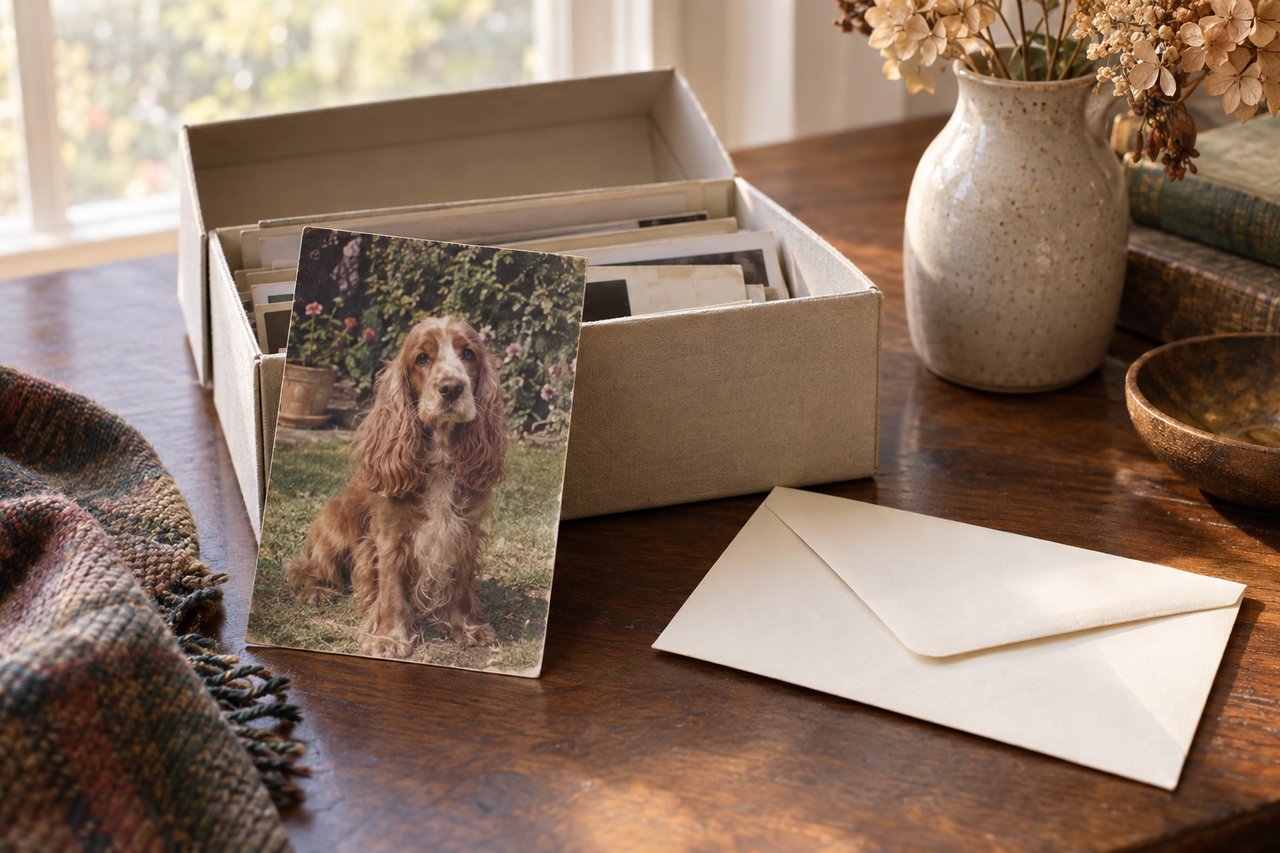
To scan old pet photos for a custom portrait, make a clear digital copy of the whole print, save that original file, and check the face before cropping. A flatbed scanner or a carefully positioned phone can work. The aim is to preserve the details you already have, without adding glare, distortion or invented features.
An old snapshot may hold the expression you remember best. It deserves a little care before it becomes the starting point for something new.
What should you check before copying an old photograph?
Look at the physical print first. Can you distinguish the eyes, the outline of the muzzle and the edges of important markings? Notice whether a pale patch belongs to the coat or comes from a reflection on the paper.
Then check its condition. Work on a clean, dry surface and handle the print by its edges. If it is stuck to glass or an album page, do not pull it loose for a better scan. Photograph it in place or ask a photograph conservator about safe removal. An irreplaceable picture matters more than a convenient upload.
The National Archives' digitizing guidance recommends keeping originals fully within the scanner surface and avoiding automatic feeders for fragile or valuable material. For an album, support the binding comfortably instead of pressing it flat.
How to scan old pet photos with a flatbed scanner
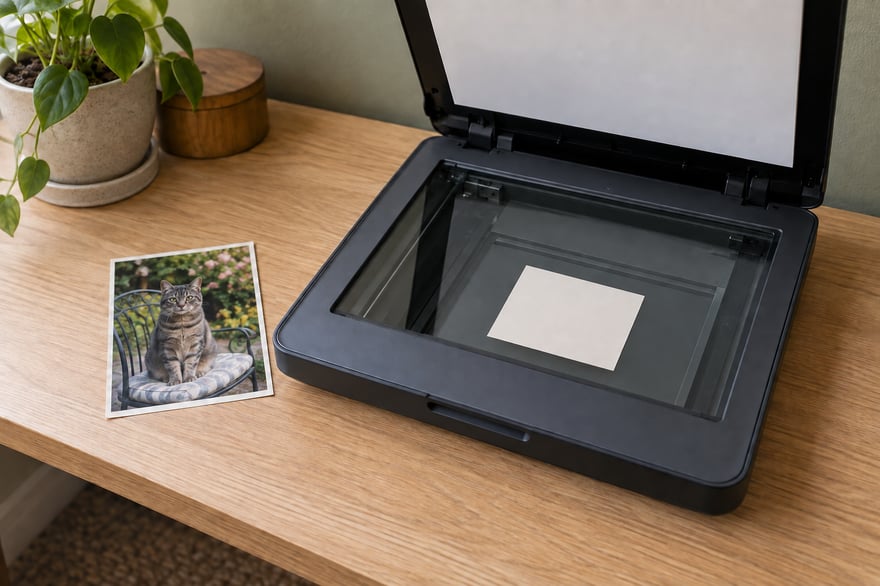
For a loose print that lies flat comfortably, a flatbed scanner gives you a steady starting point.
- Check the glass for dust and follow the scanner's cleaning instructions before placing anything on it.
- Lay the photograph image-side down, entirely on the glass. Close the lid gently, without forcing a curled print flat.
- Preview the scan. Include all four edges and check that automatic cropping has not cut off ears or whiskers.
- Choose a photo scan setting. Turn off automatic retouching for the first copy so you can see what the scanner actually captured.
- Save the full scan, then open the file and inspect the face at a useful magnification.
A higher resolution setting gives you more pixels to work with, but it cannot make an out-of-focus eye sharp. If you are unsure which setting to use, compare two scans of the same print. Keep the one that captures more genuine detail, rather than choosing by file size alone.
Can you photograph a printed photo without a scanner?
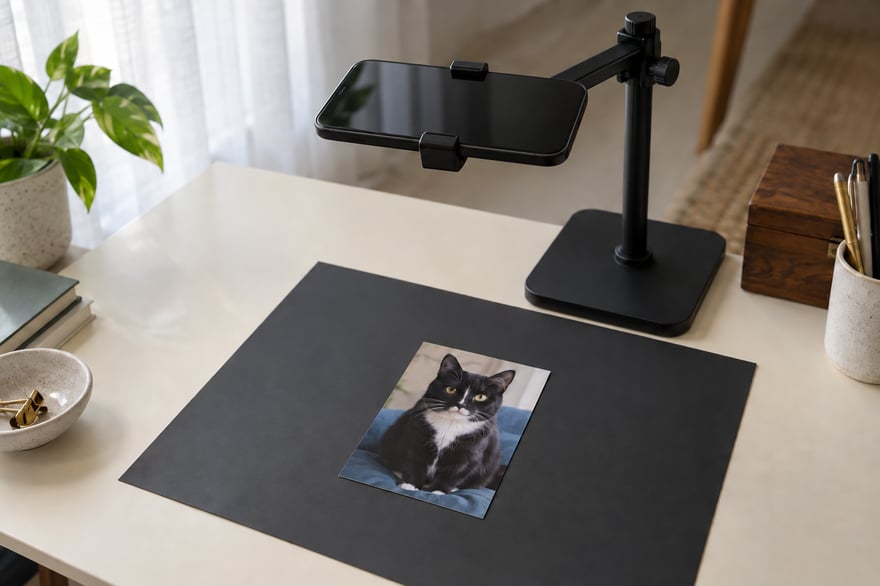
Yes. A phone can make a useful copy when the print is flat, evenly lit and free of reflections across the face.
Place it near soft window light on a plain surface. Hold the phone directly above it, with the phone and photograph parallel. Move close enough to give the print plenty of space in the image while keeping every edge visible. Avoid digital zoom.
For an ordinary camera photo, start with the flash off. Look for a bright patch from a window, lamp or ceiling light. If one hides an eye or marking, move the setup relative to the light and try again. Keep your shadow off the print too. Take several copies and compare the saved files, not just the camera's small preview.
A secure phone stand can help with steadiness, but you do not need to buy one for a single photograph. Use the clearest result you can get with the equipment you have.
Photo-scanning apps may use a different method. For example, Google's PhotoScan instructions include a multi-position glare-removal process and their own flash guidance. Follow the instructions for that mode rather than applying ordinary camera settings to every app.
Which file should you keep, crop and send?
Keep an untouched master before editing. The Library of Congress scanning guide recommends retaining a TIFF master when available and using a JPEG working copy. If your phone produces a different format, preserve that original too. Save a backup somewhere separate.
Make your crop on a copy. Remove the surrounding tabletop or scanner border, but leave space around the ears, head and any visible paws. Do not crop a tiny face from a distant group picture and assume the larger display has created more detail.
Send the actual image file in a format the upload accepts. Avoid taking a screenshot of the scan or photographing it again on another screen. Those extra steps can discard detail or introduce reflections. Keep the uncropped master nearby in case the studio needs more context.
What if the scan still looks faded or blurry?
Compare the digital copy with the print. If the paper looks clearer, try capturing it again. If the same softness is already in the original, a different scanning setting may not solve it.
Avoid aggressive face restoration before supplying a reference. A result can look sharper while changing an eye shape, a marking or the line of the muzzle. Keep the unaltered copy and explain any uncertain detail instead of treating a convincing reconstruction as evidence.
If another photograph shows the missing feature, save that as a supporting reference. Our photo selection guide explains what makes a useful source. If the photograph is part of remembering a pet who has passed, our memorial portrait ideas offer a gentle next step whenever you feel ready.
Common questions
Can a black-and-white photograph be used?
It can show valuable facial detail, but it cannot establish the original coat colors. Share a color reference if you have one, or discuss a direction that keeps the uncertainty clear.
Does every old photo work for a portrait?
No. Age alone does not decide it, but missing facial detail can limit the result. Ask the studio to assess an uncertain reference before committing to a printed piece.
Should I repair scratches on the paper first?
Do not experiment on the original. Preserve it, make a digital copy and seek qualified advice if the physical photograph needs treatment.
Ready to start
Once the digital copy holds the details you recognize, start your portrait with that file. Our studio craft page explains how an artist reviews and refines a printed portrait with you before production. The small snapshot can stay safely with your photographs while you explore what comes next.