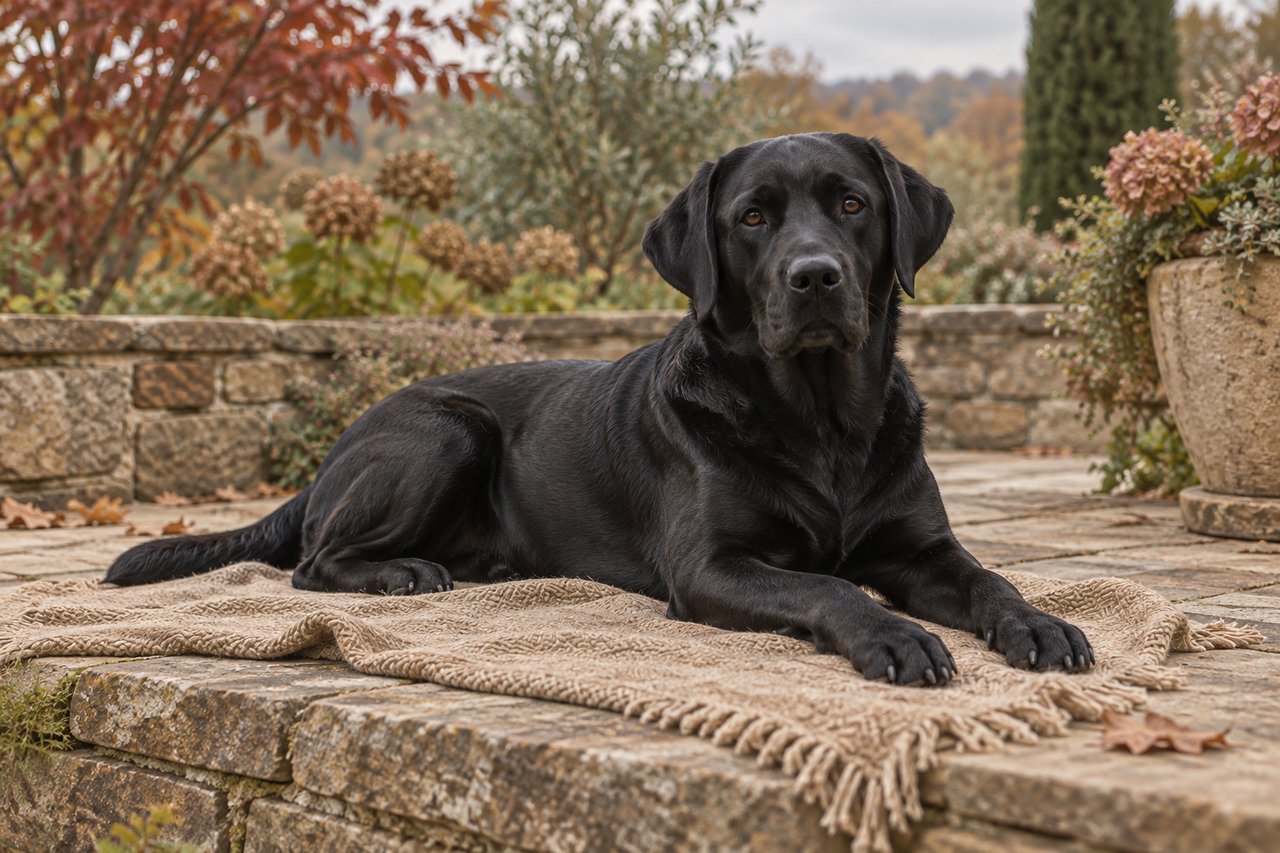
To photograph a black dog for a portrait, put soft daylight on their face and adjust the picture until you can distinguish the eyes, muzzle and ears without turning the coat grey. A clear reference should show both their expression and the shape beneath that lovely dark fur.
If your camera roll is full of pictures where the garden looks beautiful but your dog disappears, start with the light. You do not need a new camera or a perfectly posed companion. A small change in where you sit can give you a much more useful photograph.
Why does your black dog disappear in photos?
Look at what has gone missing before changing anything. Three problems can look similar on a small phone screen:
- The face is too dark. You can see the outline, but the eyes and muzzle merge together. Try a position with more soft light reaching the face.
- The coat looks pale or flat. The whole dog has become grey, even though you can see plenty of detail. Check whether the camera or an edit has made the picture too bright.
- The features are blurred. The face is bright enough, but the eyes or fur look smeared. More brightness will not fix movement or missed focus. Take another picture when your dog pauses.
Check the saved photograph, not just the small camera preview. Enlarge the face enough to see whether there is actual detail to work with.
Where should you put your dog and phone?
Try a familiar resting place near a window, with your dog facing roughly toward the daylight. Position yourself on the window side, at their eye level, without blocking the light. You want to see both eyes clearly, rather than a bright strip down one cheek and a dark other half.
Outdoors, look for open shade with daylight reaching the face. A covered terrace facing an open garden can be worth trying. Deep shade under dense leaves may leave the same problem you had indoors. If direct sunshine makes the forehead shine while the eyes disappear, move to gentler light.
Keep the background simple. A muted wall or an evenly lit patch of garden gives the dark outline somewhere to separate. A bright window directly behind the dog makes this harder. Move yourself or choose another resting spot before trying to rescue the picture with editing.
Let your dog settle, take a few photographs, then stop. The useful expression is the one you recognize.
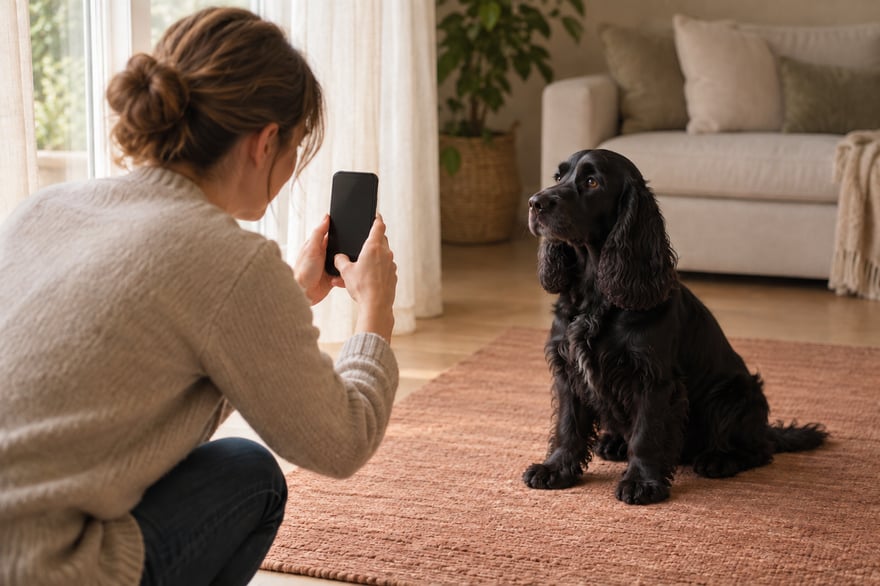
How do you photograph a black dog for a portrait on your phone?
Start with the normal photo mode. Tap the face to set focus if your camera supports it, and check the eyes rather than assuming a sharp nose means a sharp face. Keep the phone steady and take a short sequence while your dog is still.
If your camera offers a brightness or exposure control, move it a little and compare the result. There is no single direction or setting that works for every black dog photograph. A dark face may need more exposure; a washed-out coat may need less.
Stop when the face is readable and the fur still looks like your dog. If one improves only by ruining the other, return to the lighting setup. Avoid making the whole picture dramatically brighter just to uncover one eye.
For broader advice on framing and choosing between photographs, our portrait photo guide covers the essentials.
Is that a coat marking or reflected light?
A small white chest patch belongs to your dog. A pale sheen across a black forehead may belong to the light. Those details can look surprisingly alike in a single photograph, particularly after a strong filter.
Compare the picture with what you see in ordinary daylight. Does your dog really have pale eyebrows? Is that brown area part of the coat, or does it appear only under a warm indoor lamp? Do not remove a genuine marking just because most of the fur is black.
Keep the original color file. If you make a modest brightness adjustment for your own comparison, save it separately. Avoid filters that change coat color or tools that invent missing hairs and facial features. When you are unsure, a second unfiltered photograph can explain more than a heavily altered first one.
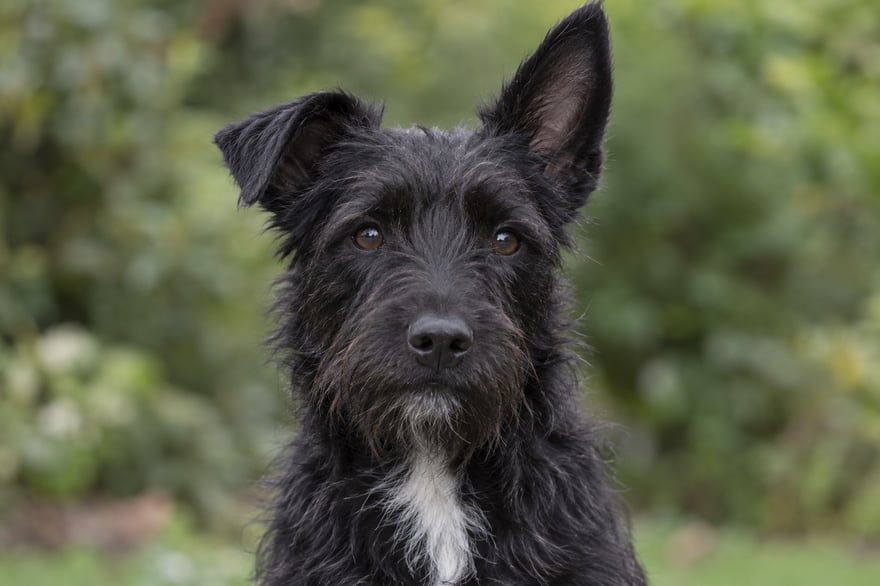
What should you send with the portrait reference?
Choose one main photograph for the expression and angle. Add another only when it answers a specific uncertainty, such as the outline of an ear or the shape of a chest marking. Say what it is there to show.
A short note might read:
Please use the first photo for her expression. Her coat is black, with a small white patch under her chin. The second photo shows the patch more clearly. The pale line over her nose in the first picture is a reflection.
At Yours, Theo, an artist refines every printed portrait with you before production. You can explore the dog portrait collection once you have a useful reference. When reviewing the artwork, check that the dark coat still has the right face within it. Our portrait preview guide helps you turn anything that feels unfamiliar into clear feedback.
Common questions
Should you use flash?
Soft daylight is a straightforward place to start. A flash is not required for a usable reference, and learning an unfamiliar lighting setup need not become part of ordering your portrait.
What if the only photograph is very dark?
Send the original and ask the studio whether the visible detail is enough. Explain any additional references you have. Do not assume software can recover an expression or marking that the photograph never recorded.
Does the finished portrait need a pale background?
No. Reference photography and the finished scene serve different purposes. The reference needs to explain your dog clearly; the artwork can use a different setting and lighting while keeping their identity.
Ready to start
Choose the photograph where the eyes, face and coat feel familiar, then start your portrait. Bring the small details you know by heart. They are what turn a portrait of a black dog into a portrait of yours.